Run the floor.
Close the day.
AtithiDeva holds rooms, reservations, guests, housekeeping, restaurant, banquets, billing, finance and reporting in one system. The front desk, the floor and the books all read from the same records, so the board on the wall and the balance on the folio never disagree.
- Available
- 24
- Occupied
- 18
- Cleaning
- 05
- Maintenance
- 02
Sample data shown for illustration
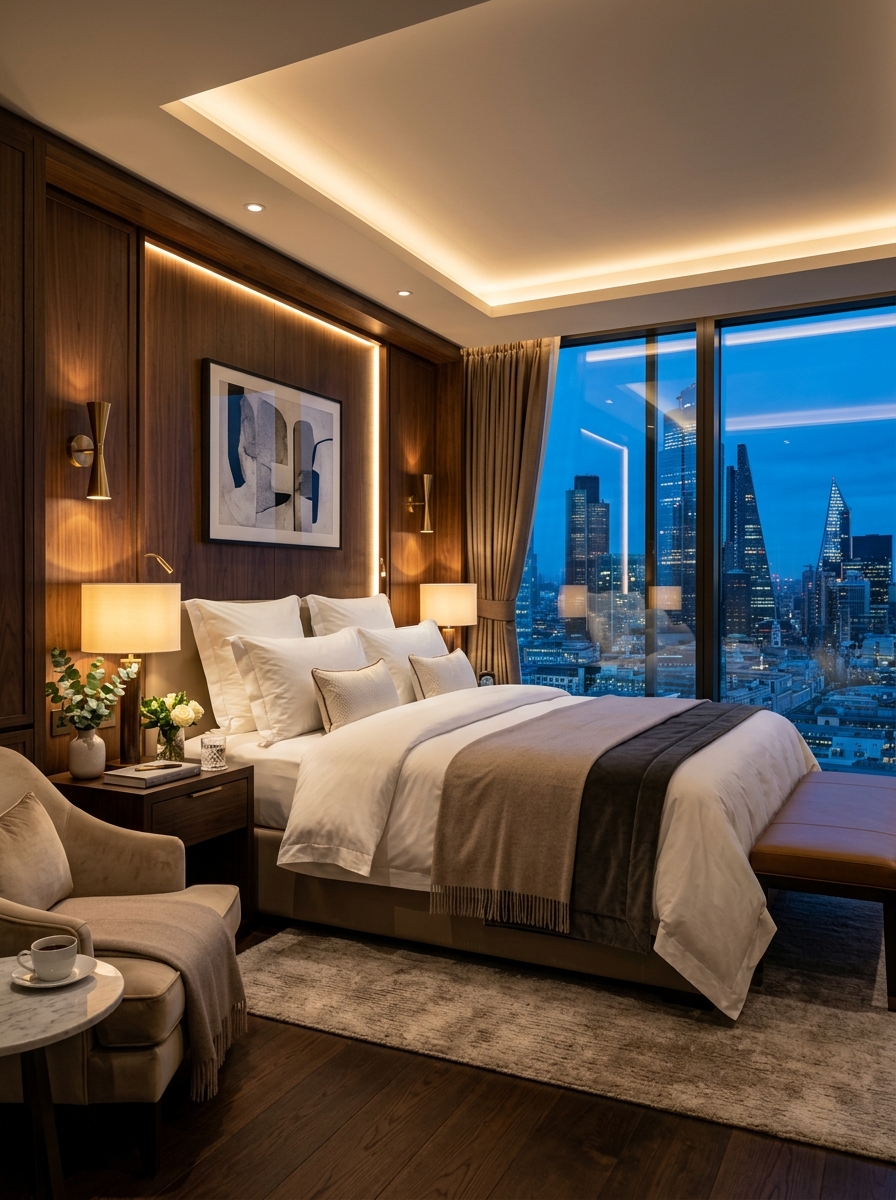
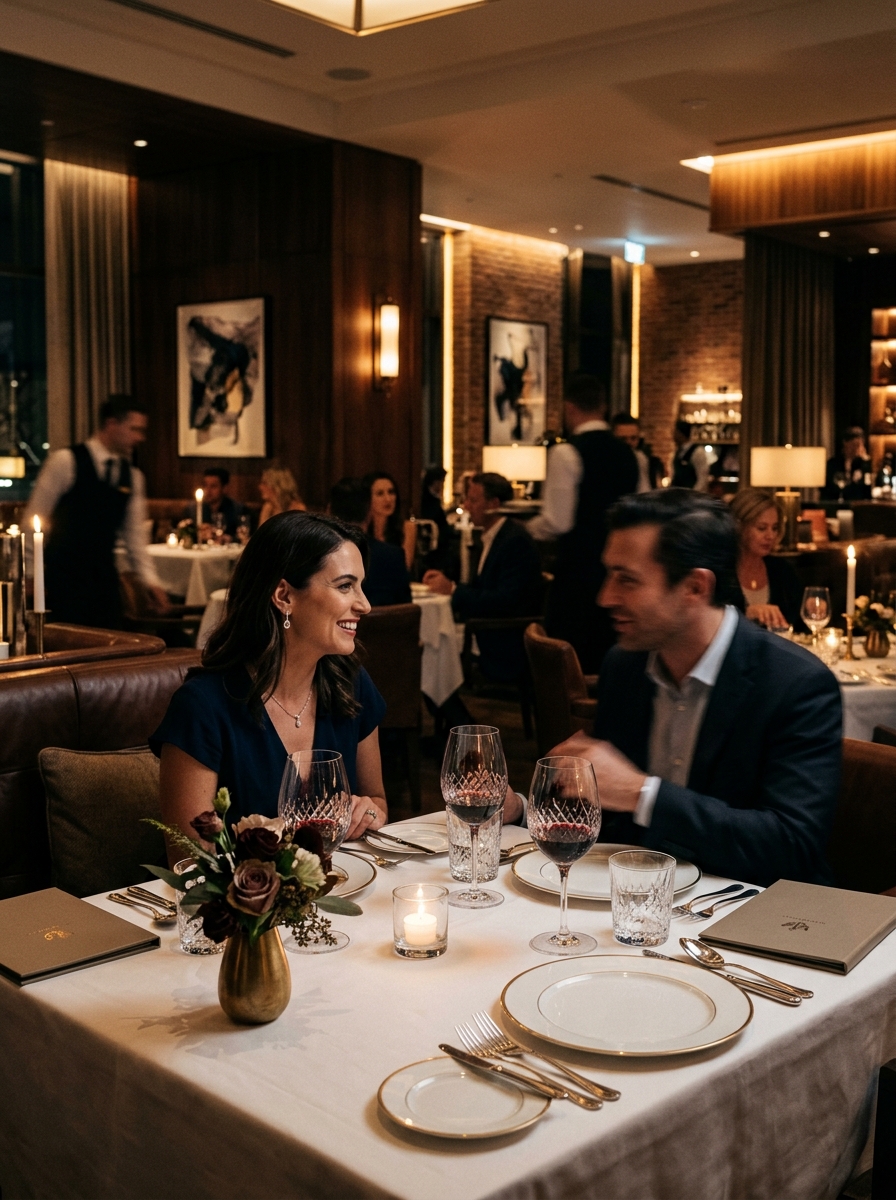
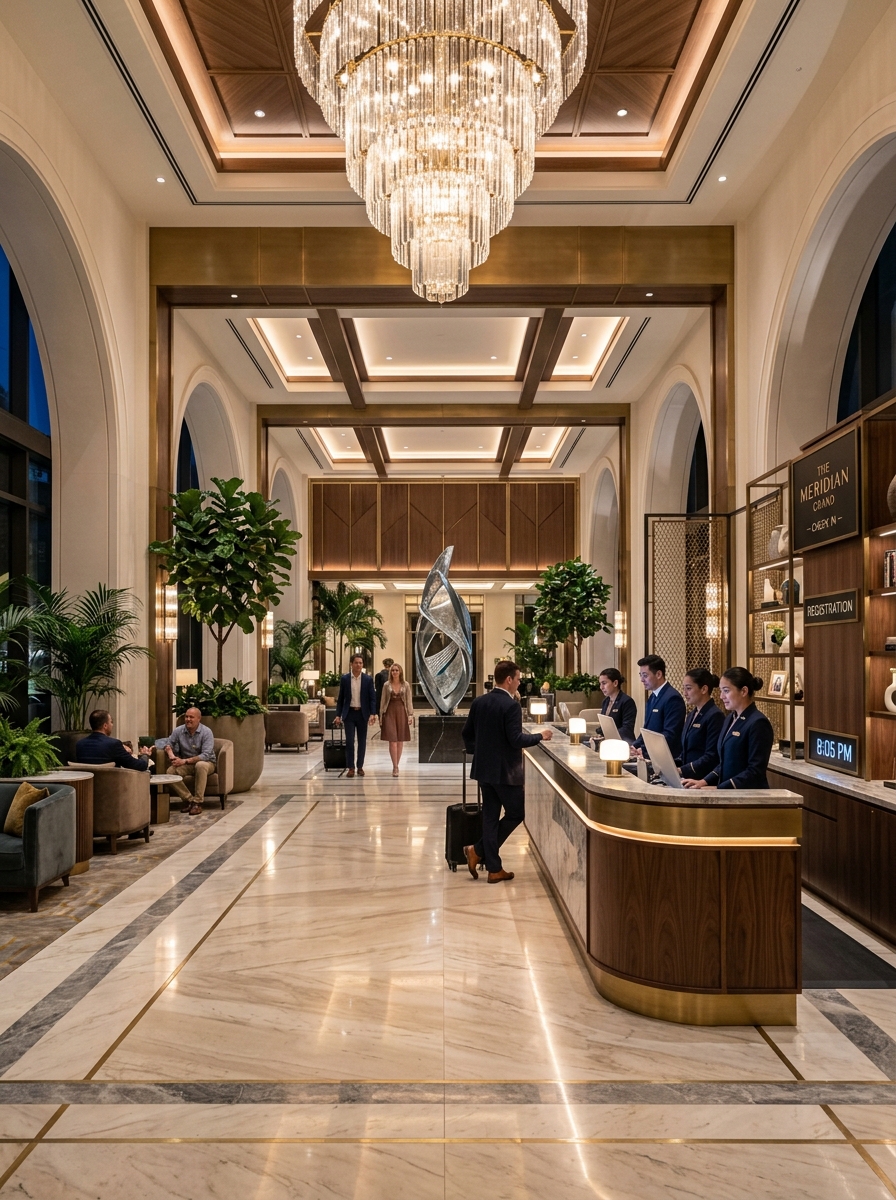

Built around the real rhythm of hotel operations
These are not marketing lines. They are the rules the system actually enforces, and they are the reason the numbers on the board can be trusted at eleven at night.
- 01
A room holds one state
Available, Occupied, Cleaning or Maintenance. Arrivals and departures are things the board shows you, not states a room can be parked in.
- 02
Bookings decide occupancy
A room is occupied because it carries an active booking. Cancelled and checked-out bookings drop out, so they never hold a room off the market.
- 03
Checkout reads the ledger
The balance comes from the booking's own payment records and pending amount, not from a figure recomputed on screen. Nothing shows as paid that was not collected.
- 04
Housekeeping closes the loop
A room that checks out is not a room you can sell. It becomes available again after cleaning is completed and reception has inspected it.

Twilight Resort Living
Lagoon pool & luxury cabanas
Quote the number the guest asked for
A corporate client or a travel agent rarely asks for a rate — they ask for a final figure. AtithiDeva takes that number and works backwards through the discount and GST to find the base rate that produces it exactly, so the quotation is correct before it is ever sent.
- Enter the all-inclusive figure the guest or agent asked for.
- The base rate, negotiated discount and GST are back-calculated to add up to that exact number.
- A confirmed quotation converts directly into a booking, with the same figures carried across.
Quotation
QT-2026-0842 · Corporate account · 2 adults · 2 nights
Back-calculated Breakdown
- Back-calculated base rate
- ₹22,222
- Negotiated discount
- −₹2,222
- GST
- ₹2,400
Before discount and GST
10% corporate rate
12% on the discounted rate
Matches the figure the guest asked for, exactly.
Sample data shown for illustration
The board is the job
Open a room and the system already knows what you need next. Available goes to check-in, occupied goes to the live stay, cleaning goes to housekeeping, and maintenance goes to the repair record. Try the interactive filters below.
- Arrivals and departures
- A room shows an arrival when check-in falls on today or the day before, and a departure on the same rule for check-out.
- Blocked inventory
- Maintenance rooms are treated as blocked stock. They cannot be checked into until they are repaired and released.
101
Deluxe · Ground
Available₹4,200No active booking
- Departure today
102
Premium · Ground
Occupied₹5,400R. Menon
103
Suite · Ground
Cleaning₹8,900No active booking
104
Deluxe · Ground
Maintenance₹4,200No active booking
201
Premium · First
Occupied₹5,400A. Fernandes
- Arrival today
202
Deluxe · First
Available₹4,200No active booking
203
Deluxe · First
Occupied₹4,200S. Iyer
204
Suite · First
Available₹8,900No active booking
- Departure today
301
Premium · Second
Occupied₹5,400K. Bose
302
Deluxe · Second
Cleaning₹4,200No active booking
303
Deluxe · Second
Available₹4,200No active booking
304
Suite · Second
Occupied₹8,900D. Rao
Sample data shown for illustration
One form, and the room changes state
Check-in collects everything the booking will be judged on later. If the room already carries an active booking the form reuses it; if it does not, stale guest and booking values are cleared rather than quietly inherited.
Check-in
Room 102 · Premium Suite · 3 nights
- Guest profile
- GR number, ID, contact
- Room
- Type, floor, bed type
- Dates
- Check-in, check-out, nights
- Occupancy
- Adults and children
- Meal plan
- From meal plan master
- Discount
- Percentage or fixed
- GST
- From invoice settings
- Advance
- Payment method recorded
Identity documents are collected in the same step, and room-level taxes come from invoice settings rather than being typed in by hand.
Booking confirmed
- Guest
- Stored and updated
- Room charge
- ₹16,200
- Advance recorded
- ₹15,000
102
Premium · Floor 1
Sample data shown for illustration
A folio that agrees with the ledger
Room charges, extras, food and service charges, the meal plan, the discount and GST resolve into one payable figure. Checkout then works from the booking’s own payment records, which is why a bill can never present itself as settled when money is still outstanding.
- Discounts apply as a percentage or a fixed amount, at the rate level.
- GST comes from invoice settings, including whether it is included in the rate and how CGST and SGST are split.
- The invoice carries hotel details, guest details, the itinerary, itemised charges, taxes and the final payable amount.
Guest Folio
Room 102 · R. Menon · 3 nights
- Room charges
- ₹16,200
- Extra bed
- ₹800
- Restaurant and services
- ₹2,450
- Meal plan
- ₹1,800
- Discount
- −₹1,620
- GST
- ₹2,380
3 nights × ₹5,400
1 × ₹800
Charged to room
Breakfast, 2 adults
10% on room rate
CGST 6% + SGST 6%
Sample data shown for illustration
Checked out is not the same as available
The gap between a guest leaving and a room being sellable again is where most properties lose a night. AtithiDeva makes that gap an explicit cycle with an owner at every step, and the room only returns to the board at the end of it.
- 1
Checked out
The booking is settled and closed.
- 2
Cleaning required
The room leaves sellable inventory.
- 3
Housekeeper assigned
Ownership of the turnover is named.
- 4
Cleaning in progress
The room is being turned over.
- 5
Cleaning completed
Housekeeping reports the room ready.
- 6
Reception inspection
Reception verifies before release.
- 7
Room available
The room returns to the board.
Until this cycle closes, the room cannot be shown as occupied again or sold as available. Maintenance follows the same principle: blocked stock stays blocked until it is repaired and released.
Food service master
Categories and items
Breakfast
- Continental plate₹450
- Luchi and aloor dom₹320
Main course
- Kosha mangsho₹620
- Daab chingri₹780
Beverages
- Masala chai, pot₹180
Meal plans
- EPRoom only
- CPBreakfast included
- MAPBreakfast and one meal
- APAll meals
Room 102 · folio
Sample data shown for illustration
Food belongs on the guest’s bill
Categories, items and meal plans are master data, so a dish is priced the same way whoever rings it up. Room and guest meals are priced into the billing object as the stay runs, and the items selected feed service charges and the final invoice total.
The meal plan chosen at check-in is loaded into the room form, so what the guest was promised at booking is what appears on the folio at departure.
Events run on a sales cycle, not a room chart
A banquet is won long before it is served. AtithiDeva follows it from the first enquiry through quotation, confirmation, the calendar, the night itself, the extras added on the day, collection and reporting.
- 01
Enquiry
An event request enters the pipeline.
- 02
Quotation
Pricing is prepared against the request.
- 03
Booking
The event is confirmed and dated.
- 04
Event calendar
The date is held on the banquet calendar.
- 05
Execution
The event runs against the booking.
- 06
Additional services
Extras are attached to the event.
- 07
Payment
Collection is recorded against the booking.
- 08
Reporting
The event is reported alongside the rest of the business.
Event calendar
September
Mon
14
Tue
15
Reception
Darbar Hall
Wed
16
Thu
17
Conference
Aangan
Fri
18
Sangeet
Darbar Hall
Sat
19
Sun
20
Wedding
Darbar Hall
Sample data shown for illustration
Close the business date, not just the shift
The night audit is where the day stops being a set of opinions. Revenue is totalled by department, collection is split by method, cash is reconciled against what was in the drawer, and occupancy, ADR and RevPAR are stated for the date being closed.
Revenue by department
Business date 18 Sep
₹3,41,600
- Room₹1,84,500
- Restaurant₹46,200
- Bar₹18,900
- Banquet₹92,000
Collection
- Cash₹96,400
- Card₹2,45,200
Cash movement
- Opening cash
- ₹25,000
- Cash received
- ₹96,400
- Cash paid out
- ₹12,300
Performance
- Occupancy
- 82%
- ADR
- ₹5,127
- RevPAR
- ₹4,204
Rooms sold against rooms available
Average daily rate
Revenue per available room
Sample data shown for illustration
Reporting
Daily control and end-of-day closure read from the same records.
- Payment statements
- Occupancy metrics
- Revenue reports
- Restaurant reports
- Invoices and detailed financial views
The screens your team will actually live in
Dense where the work is dense, quiet everywhere else. Watch the system cycle automatically or click any tab to explore.
Room status
Business date 18 Sep · 12 rooms
Deluxe
Available
Premium
Occupied
Suite
Cleaning
Deluxe
Maintenance
Premium
Occupied
Deluxe
Available
Deluxe
Occupied
Suite
Available
Premium
Occupied
Deluxe
Cleaning
Deluxe
Available
Suite
Occupied
Every room holds one state. Bookings decide what the card says.
Every room in one state, with arrivals and departures marked for the day.
Sample data shown for illustration
Everything the property needs, one system
Each department gets the screen it needs, and every screen writes to the same records. Nothing is re-keyed from one department into another.
Configure once, and every desk agrees
Rates, taxes, meal plans and food prices live in one place. When invoice settings change, the room form and the invoice pipeline both pick it up, so departments do not drift apart over a season.
Inventory and partners
- Room master
- Travel agent master
- Customer and OTA master
Food and plans
- Food service category
- Food service item
- Meal plan master
Property settings
- Hotel settings
- Invoice settings
- Payment settings
Access
- Permissions
- Roles
- Users
From empty system to a closed business day
Five stages, in the order a property actually goes through them.
- 01
Set up your hotel
Load the room master, meal plans, food categories and items, travel agents, customers and OTAs. Set hotel, invoice and payment settings once so every department reads the same values.
- 02
Manage rooms and reservations
Work the room board by state and by arrivals and departures. Open a room to check in, view an occupied stay, send it to housekeeping or flag it for maintenance.
- 03
Run daily operations
Take bookings, record advances, charge meals and services to the room, and move rooms through the housekeeping cycle as guests leave.
- 04
Track billing and finance
Settle folios against the booking ledger, generate invoices, and watch collections through the finance desk and cash box.
- 05
Close the business day
Run the night audit. Reconcile revenue, cash and card collection and occupancy, confirm the audit tasks, and export the day.
How the rules behave
The answers below describe what the system does, not what it aspires to.
Does a checked-out room become available immediately?
No. Checkout moves the room into the housekeeping cycle. It passes through cleaning required, housekeeper assigned, cleaning in progress and cleaning completed, and only returns to the board as available after reception inspection. That rule is what keeps the room board honest.
How does AtithiDeva decide whether a room is occupied?
Occupancy is driven by the booking, not by a label on the room. A room is occupied when it carries an active booking. Cancelled and checked-out bookings are filtered out of the active set, so they never hold a room hostage.
What happens to arrivals and departures on the board?
The board shows an arrival marker when the check-in date is today or the day before, and a departure marker when the check-out date is today or the day before. Arrivals and departures are operational filters rather than room states.
How is the bill calculated at checkout?
The live bill is assembled from the room charge, extra charges, discount, service charges and payments already received. Checkout reads the booking's own payment records and pending amount rather than a recomputed display value, so grand total, total paid and balance due always agree.
Can GST and discounts be configured per property?
Yes. GST lives in invoice settings and is loaded into the room form and the invoice pipeline, including whether GST is included in or excluded from the rate and how CGST and SGST are split. Discounts can be a percentage or a fixed amount, applied at the rate level before final billing.
Do restaurant and banquet sales reach the same books?
They do. Food items and meal plans price into the guest's billing object, and banquets run their own enquiry-to-payment cycle. The night audit then reports room, restaurant, bar and banquet revenue against a single business date.
What does the night audit actually close?
It closes the business date. It totals revenue by department, cash and card collection, opening cash, cash received and cash paid out, and reports occupancy, ADR and RevPAR. Output can be generated as a PDF or exported to CSV.
Bring every part of your hotel into one place
We will walk you through the room board, a full stay from check-in to settlement, and a night audit on your own property’s numbers.